Back to Product News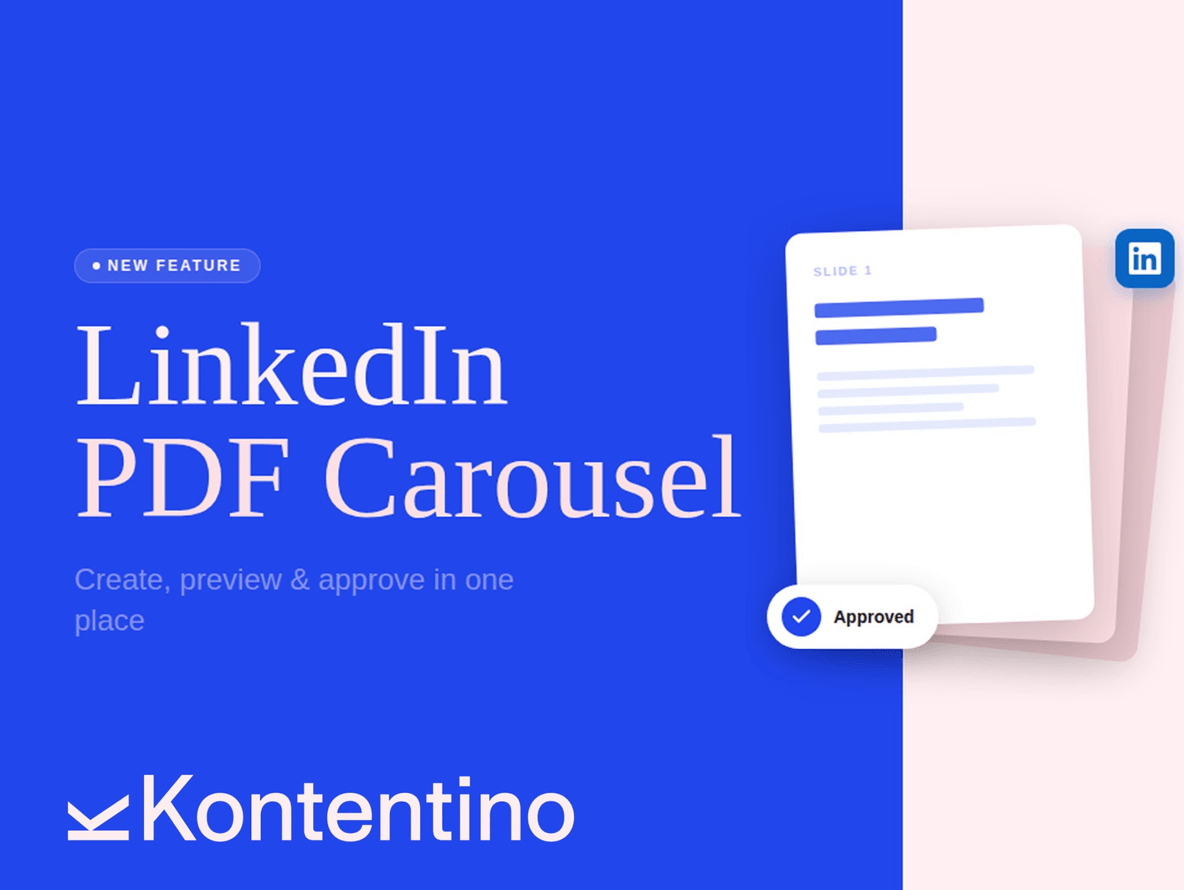

LinkedIn’s highest-performing content format is now fully supported in Kontentino. PDF Carousels (multi-page swipeable slide decks) consistently outperform standard image and text posts by 3–5x in reach, and now you can create, preview, schedule, and approve them without ever leaving Kontentino.

Why PDF Carousels matter
LinkedIn’s algorithm rewards one thing above all else: dwell time. The longer someone spends engaging with your content, the more the platform pushes it to new audiences. PDF Carousels are uniquely built for this. Every swipe is a signal that your content is worth reading.
Unlike any other format on LinkedIn, users can download your PDF. That means your carousel can double as a lead magnet (checklist, a whitepaper, a how-to guide) without needing a landing page or an external link.
For agencies managing B2B clients, this is one of the highest-value content formats available. And until now, getting it approved was a pain.
What’s new in Kontentino
You can now upload a PDF, build out your post, and send it through your full approval workflow – all inside Kontentino. Your clients (or colleagues) see a live, clickable preview of every slide before anything goes live. No downloading files, no switching tabs, no “can you just send me the PDF so I can check it?”
How does it work?
- Click “Create new post”, select your LinkedIn profile, and choose the Document format from the top panel.
- Upload your PDF directly into Kontentino.
- Once uploaded, scroll through every slide to review the full carousel inside the creator window. Add your post copy and pick your publish time.
- Either schedule it immediately or send it for approval — your client reviews and approves the entire deck directly within Kontentino, no external tools needed.
Benefits
- Approval without the back-and-fort. Clients see the full PDF in a live preview before it goes live
- 3–5x more reach than standard image or text posts on LinkedIn
- Built-in lead generation. Your audience can download the PDF directly from the post
- Perfect for deep-dive B2B content. How-to guides, case studies, whitepapers, checklists
Best practices to get the most out of it
Go portrait, not square. Use 1080 × 1350 px (4:5 ratio).
Portrait slides take up significantly more screen space on mobile, which means more visual impact before the user even starts swiping.
Hit the sweet spot on slide count.
Aim for 5–10 slides. Too few and you’re not generating enough dwell time; too many and you lose people before the end.
Keep fonts large.
Minimum 18–20px for body text. Most carousel viewers are on mobile. If they have to pinch and zoom, you’ve already lost them.
Who is this for?
This feature is available to all Kontentino users with a connected LinkedIn profile. No additional setup required — just create a post, select the Document format, and upload your PDF.
Try it out
Head into Kontentino, open the post creator for your LinkedIn profile, and give it a go. If you have questions or feedback, we’d love to hear from you — drop us a note or use the in-app chat.
👉 We’re always looking to improve how features like this work in practice. If you try LinkedIn PDF Carousels and have thoughts on the workflow, let us know what you think.