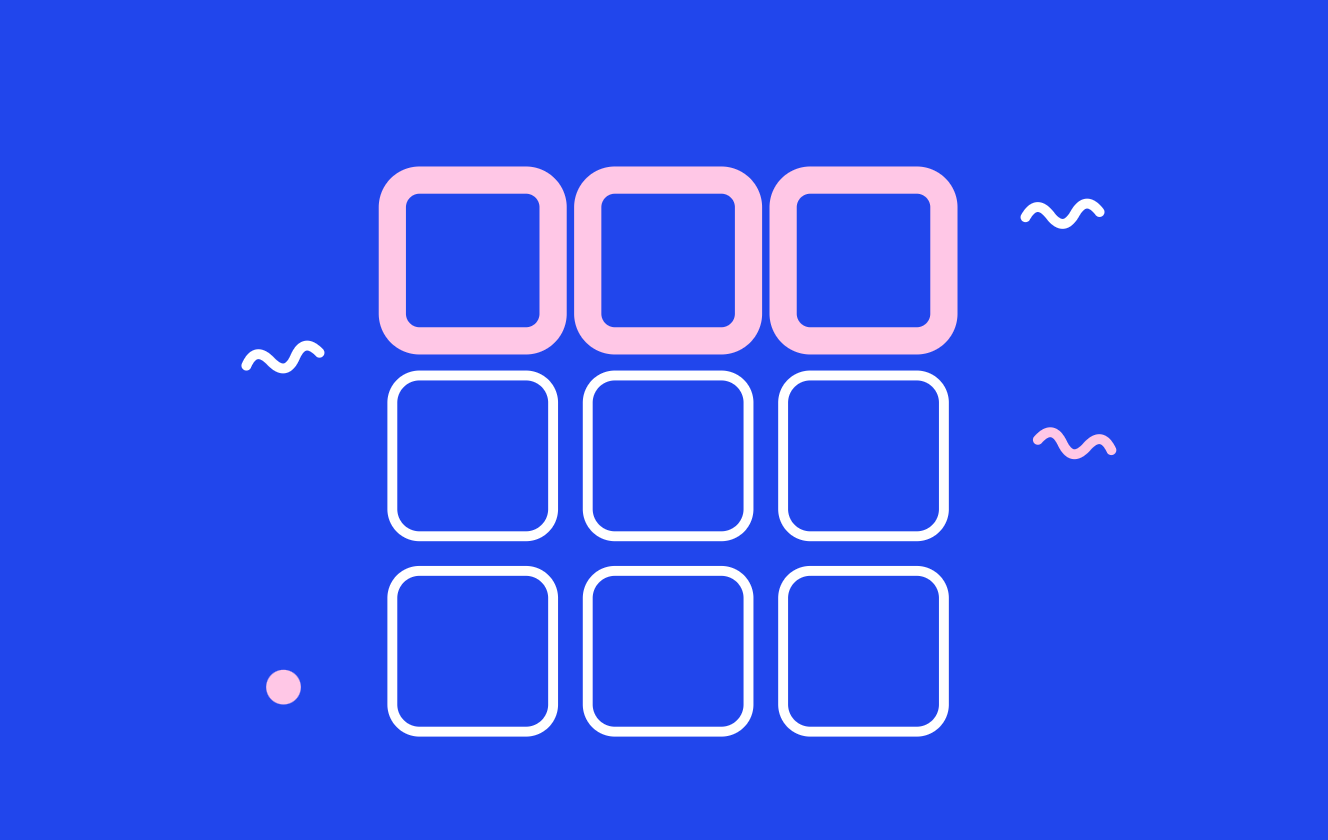
Instagram launched grid rearranging a few months back, and if you missed it you’re not alone. You can now drag any post on your profile into any position you like, chronology no longer applies, and there are two separate routes to the setting. Adam Mosseri, Instagram’s Head, walked through both in his Friday August 2026 Q&A after someone asked how to change the order of things on their grid on Instagram.
Route one: through edit profile
- Open your profile.
- Tap Edit profile.
- Choose Reorder grid from the options.
- Drag posts into the arrangement you want.
Route two: long press
Long press means tap and hold, which is the bit people miss.
- Open your profile.
- Tap and hold any post on the grid.
- A set of options appears, one of which is reordering your grid.
- Drag from there.
The second route is faster once you know it exists, and it’s the one worth teaching the rest of your team. Fast Company covered the rollout when it launched if you want the release context.
Your profile is yours to shape
The reasoning behind the feature was straightforward. Mosseri said the point is that “we want you to be able to shape your profile and what you want it to be,” which reframes the grid from an archive into something closer to a homepage.
That’s a meaningful shift. Chronological order optimizes for nothing except when you happened to post, and for most brand accounts the best three posts and the newest three posts are not the same three posts.
What to actually rearrange
The first nine tiles are what a new visitor sees before deciding to follow, so treat them as a pitch rather than a timeline.
- Put your clearest explainer of what you do in the top row. New visitors are asking one question and most grids don’t answer it.
- Pull your best-performing carousel forward. If a post earned saves, it’s doing persuasion work that a fresh post hasn’t earned yet.
- Move seasonal or campaign content up while the campaign runs, and down when it ends.
- Break up visual repetition. Three near-identical tiles in a row read as one tile.
What this replaces
It replaces the workaround where people archived and unarchived posts to shuffle their order, which was slow and risked losing engagement on republished content. It also replaces the practice of planning a grid layout weeks ahead and then never deviating, since you can now fix a layout after the fact.
It’s a useful contrast with Story Highlights, which still can’t be dragged into order and rely on an add-a-story workaround instead. The grid got the real feature. Highlights didn’t.
Making it a habit
Set a recurring reminder to review the top row once a month, ideally alongside whatever planning session you already run. It takes two minutes and it’s the highest-leverage two minutes available on a profile, since the top row is seen by everyone deciding whether to follow.
Teams managing several accounts should treat grid order as part of the monthly review rather than something an intern notices, which is easier when profile housekeeping sits in the same content plan as the posts themselves.
FAQ
How do you reorder Instagram posts on your grid? Two ways. Either tap Edit profile and choose Reorder grid, or long press any post on your grid and pick the reorder option.
Can you rearrange your Instagram grid without deleting posts? Yes. Reordering is native now. You no longer need to archive or repost anything to change the order.
Does reordering your grid affect reach? No. Grid order controls how your profile looks to visitors. It doesn’t change how posts are distributed in feed or recommendations.
Can you reorder Instagram Story Highlights the same way? No. Highlights still sort by most recently updated. Only the post grid supports manual dragging.