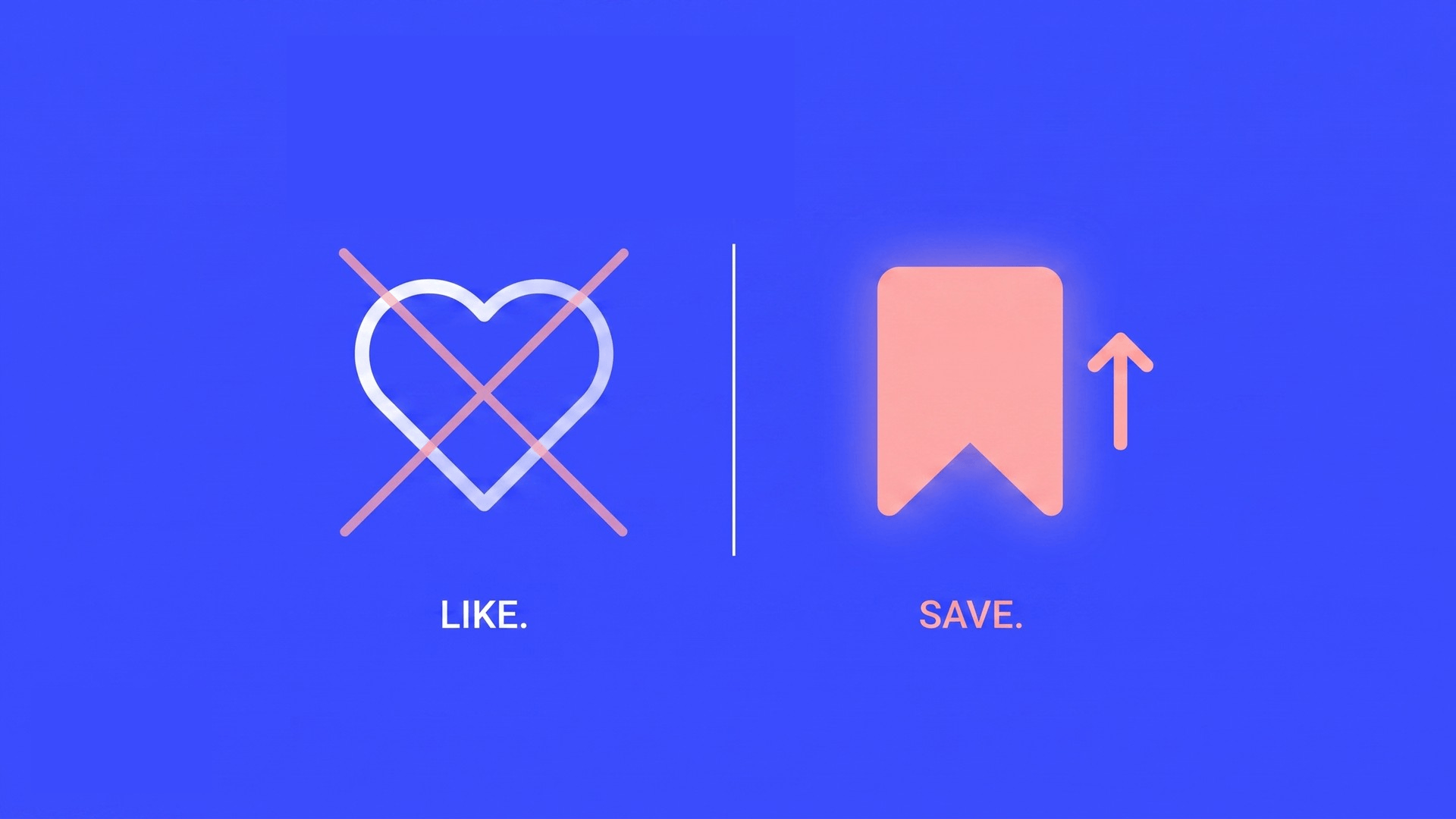
A save tells the algorithm something a like never could: this person wanted this content enough to store it. That’s a higher-intent signal. A share says: I’d put my name on this. The content formats that earn those behaviors are fundamentally different from the ones optimized for quick, passive likes.
This isn’t a minor tweak. It changes what you should be making.

🔖 What gets saved: useful things worth returning to
Ask before you create: “Would someone want to save this?”
Step-by-step guides. Frameworks. Cheat sheets. Content someone wants to come back to next time they face the same problem.
Educational carousels earn saves at a rate that almost nothing else does – and the algorithm rewards that consistently. If your content is designed to be pretty or entertaining, it’s optimized for the wrong signal.
🔁 What gets shared: opinions people want to endorse
Things that make someone feel seen. Statements they want to pass to a colleague or repost with “this.”
Relatable truths. Strong takes worth putting their name on.
Shares are the highest social proof signal – someone is telling their own audience: “I’d recommend this.” That’s the content the algorithm treats as its highest-quality input.
📋 The formats that consistently earn saves
Checklist carousels – actionable, designed to re-read.
Frameworks and templates – reusable, solves a recurring problem.
Comparison posts – “X vs Y” with a clear, opinionated conclusion.
Reference guides – “save this for when you need it” is already built into the concept.
Pick one this week. Build it for the save, not the like.
📅 Try this: add one line to your next carousel. Check your save rate in 7 days.
→ On the last slide of your next educational carousel, add: “Save this for the next time you need it.”
→ The prompt signals to the algorithm the behavior you want – and tells the reader what to do next.
→ Check save rate after 7 days. Compare to your last 3 carousels.
“The marketers who will win on social in 2026 aren’t the ones who post the most. They’re the ones who build systems, know their audience deeply, and connect social to business outcomes.”
Agency and client tip – how to pitch the save metric:
Most clients still count likes because that’s always been visible. The reframe isn’t “likes are useless.” It’s: here’s the metric that predicts what you actually want.
· Move 1 – Connect saves to intent: “A save means someone stopped and thought ‘I need this later’ – same behavior as bookmarking a product page before buying. That’s intent, not entertainment.”
· Move 2 – Show it before you explain it: “This post got half the likes but 3x the saves. More people treated it as a resource – accounts with high save rates grow more consistently because the algorithm sees them as worth recommending.”
Key rule: never argue against likes. Redirect to the better signal without making them feel wrong.

🌟 Steal from the best – 4 creators built on saves
These IG marketing creators built large audiences on content engineered to be saved, not just liked. Study their last 10 posts and you’ll see every save-worthy format in action.
@jera.bean – Jera Bean 👉 What to steal: her carousels are mini-courses – one specific tactic per post, numbered steps, a clear “save this” framing on the final slide. The definition of content people return to before posting their own.
@brock11johnson – Brock Johnson 👉 What to steal: reference-guide Reels – “the 2026 Instagram settings you need to change” style content. Time-stamped, specific, impossible to remember without saving. Built for the rewatch.
@elisedarma – Elise Darma 👉 What to steal: template-driven posts – caption formulas, story sequences, and hook banks her audience copies directly into their own workflow. Reusable = saveable.
@shinewithnatasha – Natasha Pierre 👉 What to steal: video marketing checklists and comparison posts (“post this, not that”) with an opinionated conclusion. Save-bait in the best possible sense – clear, contrarian, useful.
The pattern across all four: specific over general, reusable over reactive, and a reason to come back. That’s the save formula.
🧠 The deep carousel you’ve been putting off? Now you can build it.
More slides means more value. More value means more saves.
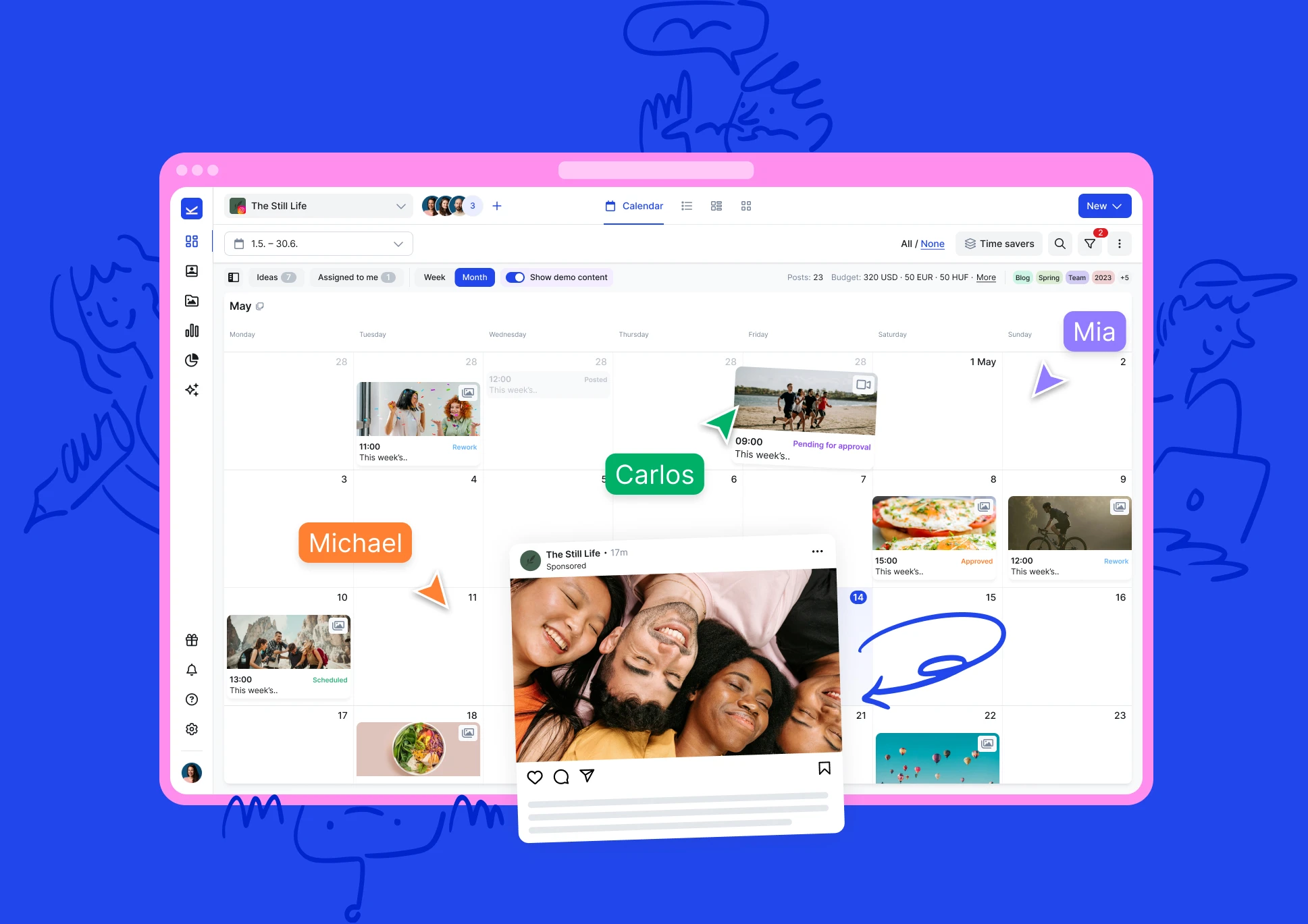
Instagram Gallery in Kontentino now supports up to 20 slides per post – no splitting, no workarounds, no double-posting.
✅ Up to 20 slides per Instagram Gallery – build the full checklist, the complete guide, the whole framework. In one post.
✅ Plan the whole carousel in the visual calendar – see how it fits in your content mix before it goes live.
✅ More slides, more value, more saves. Build the carousel. Watch the signal improve.
👉 See Instagram Gallery in Kontentino – start a free trial