Here’s some quick math: up to 70% of a social media manager’s day is admin. Not creating. Not strategizing. Copying, pasting, chasing, switching.
Count your tabs right now. Doc for captions. Design tool. Spreadsheet calendar. Email thread with client feedback. Slack thread with different client feedback. Native scheduler. Analytics dashboard. Another analytics dashboard.
Every tab switch costs you focus. Every copy-paste between tools is a chance for the wrong version to go live. The admin didn’t pile up because you’re disorganized. It piled up because your work is scattered across 8 tools that don’t talk to each other.
And the cost is measurable: attention research from UC Irvine found it takes around 23 minutes to fully refocus after a single context switch. Eight tools means dozens of interruptions a day – which is why a “light” day can still leave you exhausted. The tabs are eating your brain, not the workload.
The good news? You can kill most of this admin without asking anyone’s permission. Here are three moves to make this week.
Admin Killer #1: Kill the Caption Doc
The payoff: saves around 3 hours a week and kills the number one source of version chaos.

If captions live in a doc and posts live in a scheduler, you copy-paste every single post – and “final_v3_FINAL” is your version control. Write captions directly where you schedule. One source of truth. The doc dies, the chaos dies with it.
Do it today: pick next week’s 5 posts and draft them inside your scheduling tool instead of the doc.
Admin Killer #2: Never Send a Screenshot for Approval Again
The problem: screenshot → email → “can you change one word” → new screenshot = 40 minutes per post.
The screenshot approval loop is the slowest process in social media. The client can’t see the real preview, feedback scatters across email and chat, and every tiny edit restarts the loop. Send one link where they see the post exactly as it will look live and approve with one click.
Do it today: count how many approval messages your last post needed. If it’s more than 2, the process is the problem.
Admin Killer #3: Duplicate, Don’t Rebuild
The problem: rebuilding one post for 3 platforms = 3x the work for 1x the idea.
If you create the LinkedIn version, then open Instagram and start from a blank field, you’re doing the same work three times. Duplicate the post, adjust tone and format per platform, done in 2 minutes.
Do it today: take your next post and time both methods. The difference is your weekly time leak, multiplied by every post you make.
Try This: The 10-Minute Tab Audit
Brutal but clarifying. Here’s how it works:
- List every tool you touched to publish your last post. Doc, design tool, chat, email, scheduler, spreadsheet – all of them.
- Mark each one: CREATE or SHUFFLE. Create = writing, designing, deciding. Shuffle = copying, pasting, forwarding, reminding, re-uploading.
- Count the SHUFFLE steps. Each one exists because two tools don’t talk to each other. That’s your consolidation case – for yourself, or for the boss who approves the budget.
The 3 Admin Killers – At a Glance
- Kill the caption doc – write where you schedule. One source of truth.
- No more screenshot approvals – one link, real preview, one-click approve.
- Duplicate, don’t rebuild – one post, adapted per platform in minutes.
Close the Tabs. All of Them. Here’s How.
Kontentino isn’t another tab. It’s the tool that replaces the other seven – because everything from the first draft to the final report happens in one place.

Here’s the tab replacement map:
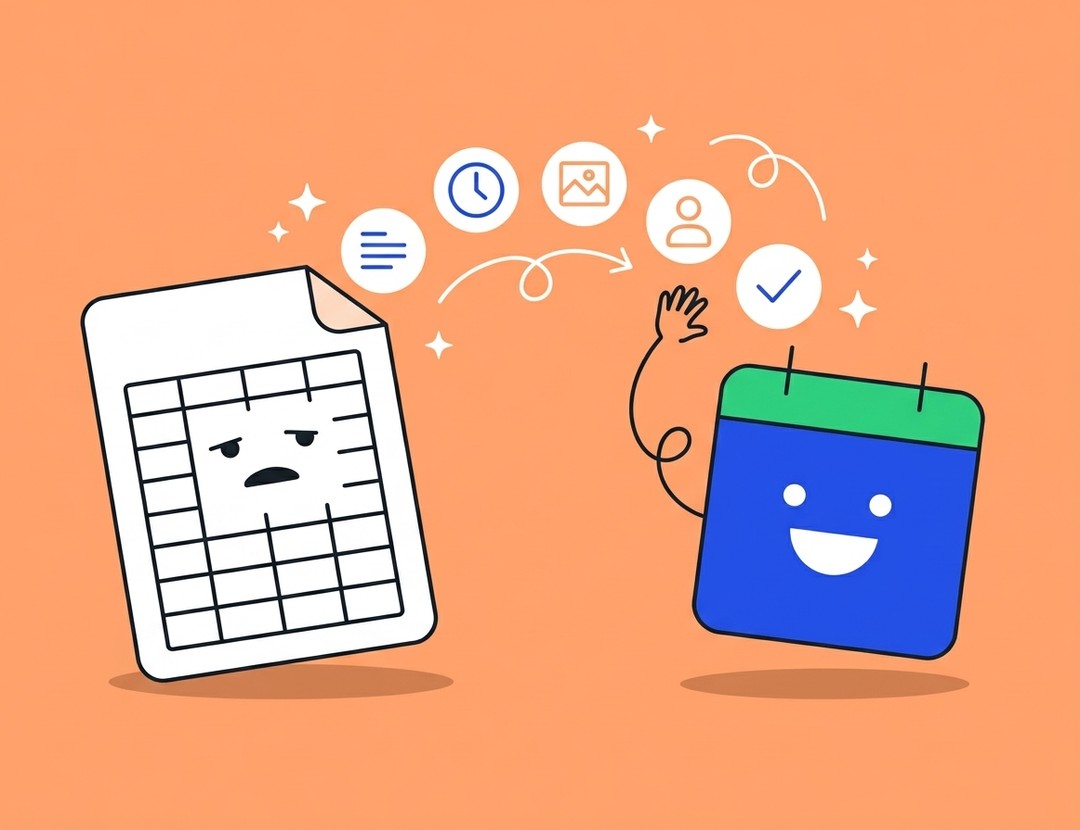
Caption doc→ Write and AI-generate captions right in the post editor, in your brand voiceSpreadsheet calendar→ Visual content calendar with drag and drop, bulk moves, and team assignmentsEmail + chat approvals→ One-click client approvals with live post previews – no login needed for clientsNative scheduler x5→ Schedule to 9 platforms from one dashboard – duplicate and adapt per channel in clicksAnalytics dashboards x3→ Analytics and client-ready reports for every channel, exported in minutes
You weren’t hired to copy-paste. Close the tabs and go make something. Replace the tabs – try Kontentino free →