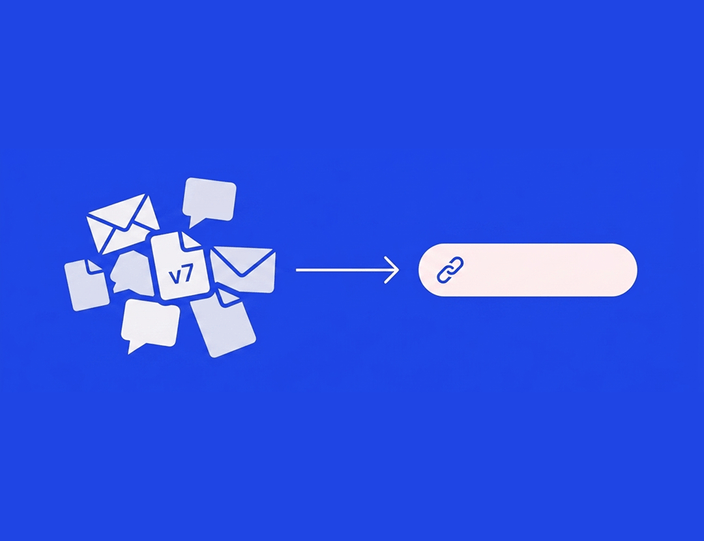
Social media management is 20% creativity and 80% chasing people for approvals. That ratio isn’t a law of nature. It’s a symptom of how most approval processes are built: content in one place, feedback in another, and the client’s yes buried somewhere in a reply-all.
Client approval is the one stage of your workflow you don’t fully control. You can’t make a client care about deadlines. But you can make approving so easy that even the busiest client does it from a taxi, and you can make sure that when they don’t, the follow-up happens without you typing a single “just bumping this.”
This guide covers the client-facing half of the approval process. For the full internal-to-client workflow design, see our complete approval workflow guide.
Why client approvals actually take so long
Before fixing it, name it. When agencies audit their slowest approvals, the same four causes come up:
The client has to work to say yes. A login they forgot, a PDF to download, a spreadsheet with 14 tabs. Every step between opening the message and pressing approve costs you a day, because the client defers anything that feels like work.
The client can’t see what they’re approving. A text-only caption in an email doesn’t look like an Instagram post. Clients hesitate when they can’t picture the result, and hesitant clients go quiet. (The flip side is real too: clients who approve a bare caption are often surprised by the live post, and surprised clients ask for takedowns.)
Nobody knows whose turn it is. Was feedback sent? Was it addressed? Is the client reviewing round two or still sitting on round one? When status lives in people’s memories, everyone assumes it’s someone else’s move.
Deadlines exist only in your head. If the client never agreed to a review turnaround, every approval is technically on time, including the one that arrives after the post date.
Each fix below targets one of these.
1. Send a link, not an attachment
The single most effective change: clients should review content at a link that requires no account, no password, and no download. One tap from their inbox, straight to the content.
This is exactly what client approval looks like in a dedicated tool: in Kontentino, you share an approval link and the client sees the posts waiting for them, comments in context, and approves or requests changes on the spot. No seat, no onboarding call, no “how do I log in again?” email. There’s no cap on client reviewers either, so the CMO, the brand manager, and the founder’s spouse can all look without your bill noticing.
If you’re still on email: at minimum, put everything in the message body (no attachments to open) and one clear question at the end. But be honest about the ceiling: our comparison of approval tools vs. email shows where email approvals structurally break.
2. Show clients the post, not a description of it
Clients approve faster when the thing in front of them looks like the thing that will go live. A live preview, the actual visual, the caption with line breaks and hashtags, shown as Instagram or LinkedIn will render it, answers the questions that otherwise become a feedback round: “how will the image crop?”, “does the link show?”, “is that the first line people see?”
One Kontentino customer described the moment it clicked for their client: “it’s easier for her to see the finished product there and then just add a comment… it shows you a replica of how the post would look like on the platform.” That’s the effect you’re after: the preview removes imagination from the approval, and with it, most of the hesitation.
This also protects you after the yes. A client who approved a pixel-accurate preview can’t reasonably dispute the published result, which quietly ends a whole category of awkward calls.
3. Make mobile approval the default, not the fallback
Your client’s decision window isn’t at their desk. It’s the commute, the school pickup line, the two minutes before a meeting starts. If approving requires a laptop, you wait until the laptop opens. If it works on a phone, you get your yes today.
Mobile approval means the same link, preview, comments, and approve button, working properly on a phone screen (Kontentino’s mobile app and mobile-friendly approval links both do this). Agencies consistently report clients preferring it: “Our clients really like the mobile app for approvals.” One client approved a campaign “literally sitting on the beach.”
Practical tip: tell clients explicitly, at onboarding, “you can approve these from your phone.” Many assume they can’t and batch reviews for their desk, which is where the three-day delays are born.
4. Let software send the reminders
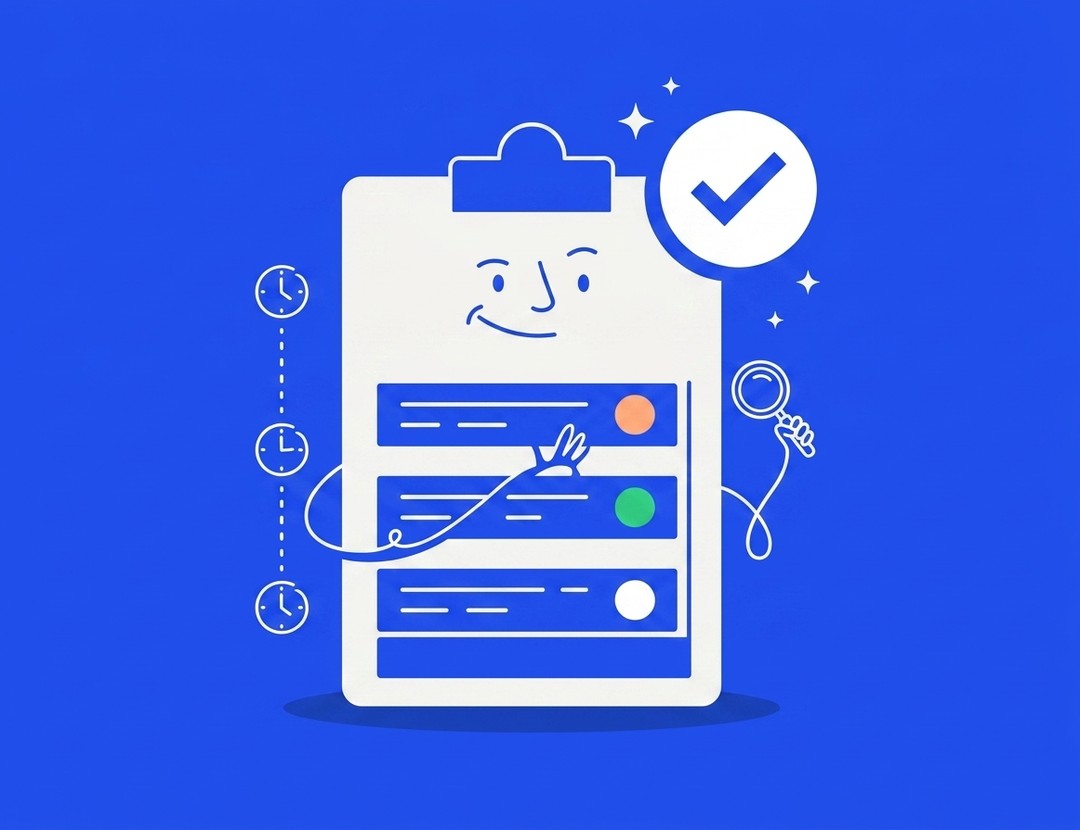
Chasing is the worst part of the job, and it’s also the most automatable. A good approval tool tracks whose turn it is and nudges them automatically: a reminder after 24 hours of silence, another before the scheduled date, all without you playing bad cop.
Automated reminders outperform manual ones for two human reasons. They’re consistent, arriving exactly when the rule says, not “when I remembered on Friday.” And they’re impersonal: a system notification carries none of the social awkwardness of a fourth personal “just checking in :)”. Your relationship stays warm; the software stays persistent.
Pair reminders with visible status. When both sides can see “3 posts awaiting your approval since Tuesday,” the conversation changes from “did you send those?” to “I’ll do them now.”
5. Agree on turnaround SLAs before you need them
Put review turnaround into your onboarding and, ideally, your contract. A simple, fair standard: client reviews within 2 business days; one consolidated feedback round per post; content unapproved 24 hours before its slot moves to the next slot.
The point isn’t to punish clients. It’s to make the timeline a shared fact instead of your private anxiety. When the SLA exists, a reminder isn’t nagging, it’s the process. And the two-day window creates gentle urgency that “whenever you get a chance” never will.
Hint: Batch approvals help both sides hit SLAs. Sending a week’s content in one review session (“give feedback in bulk,” as one agency puts it) beats seven separate approval requests, because clients context-switch once instead of daily.
6. Structure feedback so round two is the last round
Endless revision loops usually mean unstructured feedback. Three rules keep rounds finite:
One channel. All feedback lives on the content itself, in comments, not split across email, Slack, and calls. Whatever arrives elsewhere, you paste into the tool before acting. One source of truth ends the “but I told you on the phone” genre.
Consolidated, not streaming. Ask clients to send all feedback on a post at once. Five comments over three days is five interruptions and three versions; five comments at once is one revision.
Feedback then approval, explicitly. After changes, the post goes back with a clear “this is the revised version, approve or comment.” Silence after feedback isn’t approval, and treating it as such is how unapproved content ships.
What to do with the client who never responds
Every agency has one. Escalate in this order:
Diagnose first. Chronic silence usually means the wrong reviewer (the intern forwards to the CMO, who forwards back), review friction (see fixes 1 to 3), or too much content to judge. Fix the cause before applying pressure.
Use the SLA. “Per our process, content unapproved by Thursday moves to next week’s calendar.” Calm, factual, no blame. Most clients respond to a real consequence stated kindly.
Offer pre-approval. For low-risk, recurring content (curated posts, evergreen tips), agree on frameworks the client approves once, monthly themes or templates, so only genuinely new content needs a fresh yes. This can cut approval volume by half without losing control.
Have the honest conversation. If approvals are structurally late and the client won’t delegate or pre-approve, name the trade-off: slower approvals mean a less reactive, less effective feed. Some clients accept that; either way, it’s now their informed choice, not your fault.
What doesn’t work: silently publishing unapproved content. The one time it goes wrong costs more trust than a hundred delayed posts. If you manage several accounts, our guide to managing multiple social media clients covers keeping ten approval loops running without the wheels coming off.
What this looks like when it works
Set up properly, the loop runs like this: content passes internal review, the client gets one link with the week’s posts as live previews, approves most from their phone the same evening, leaves two comments, the revisions go back next morning, and the approved posts flow straight into the schedule. “When I have the client approval, it’s scheduled and I don’t have to worry about it anymore,” as one agency put it.
That calm is buildable in an afternoon. Start a 14-day free trial, no credit card required, or book a demo and we’ll set up your client approval flow together.
The setup in Kontentino, concretely: multi-level workflow (internal review before anything reaches the client), no-login approval links with live previews, mobile approvals, automatic reminders, and separated internal/client comments, from €109/month on Standard with users and profiles bundled. Details on the social media approval tool page. (Pricing last verified: August 2026.)
FAQ: social media client approval
What is social media client approval?
Social media client approval is the step where a client reviews and formally signs off on content before it’s published on their channels. Done well, it happens in a dedicated tool where the client sees a live preview, comments in context, and approves with one click, leaving a record of who approved what and when.
How do I get clients to approve social media posts faster?
Remove friction and add structure: send no-login review links instead of attachments, show platform-accurate previews, enable mobile approval, automate reminders, and agree on a review SLA (48 hours is standard). Teams applying all five typically move from multi-day to same-day approvals.
Should clients approve every single post?
Not necessarily. High-risk content (campaigns, announcements, anything with claims) should always get sign-off. Recurring low-risk formats can run on pre-approved templates or themes, reviewed monthly. This keeps the client’s attention for the decisions that need it.
What if a client doesn’t respond to approval requests?
Follow a sequence: automated reminder after 24 hours, SLA-based rescheduling (“unapproved content moves to the next slot”), then a conversation about delegating approval or pre-approving content categories. Never publish unapproved content silently.
Can clients approve posts without creating an account?
In tools built for agencies, yes. Kontentino sends clients an approval link that opens a live preview of the posts; they approve or comment without a login or a paid seat. This single feature is the biggest driver of faster client turnaround.
How many feedback rounds should client approval take?
One consolidated round is the healthy standard, two at most. If posts routinely need three or more rounds, the fix is upstream: a clearer content brief, better examples at onboarding, or feedback arriving consolidated instead of trickling in.
Get your evenings back
Client approval is the part of social media work most people accept as painful. It doesn’t have to be. One link, a live preview, a reminder you didn’t have to send, and a yes that arrives before dinner.
More than 4,000 brands run their client approvals through Kontentino, and they rate it 4.7 stars on both G2 and Capterra. The trial takes 14 days and doesn’t ask for a credit card, and if you want a second opinion on your current process first, book a demo and we’ll give you an honest one, including whether you need a tool at all.